Every Patario module has the same shape: a guide, a scenario and a conversation about it. Most people are through one in under twenty minutes.
You can stop at any point and come back. Progress saves as you go, including partway through a conversation — close the tab and open your link again when you’re ready.
What happens at the start of a module?
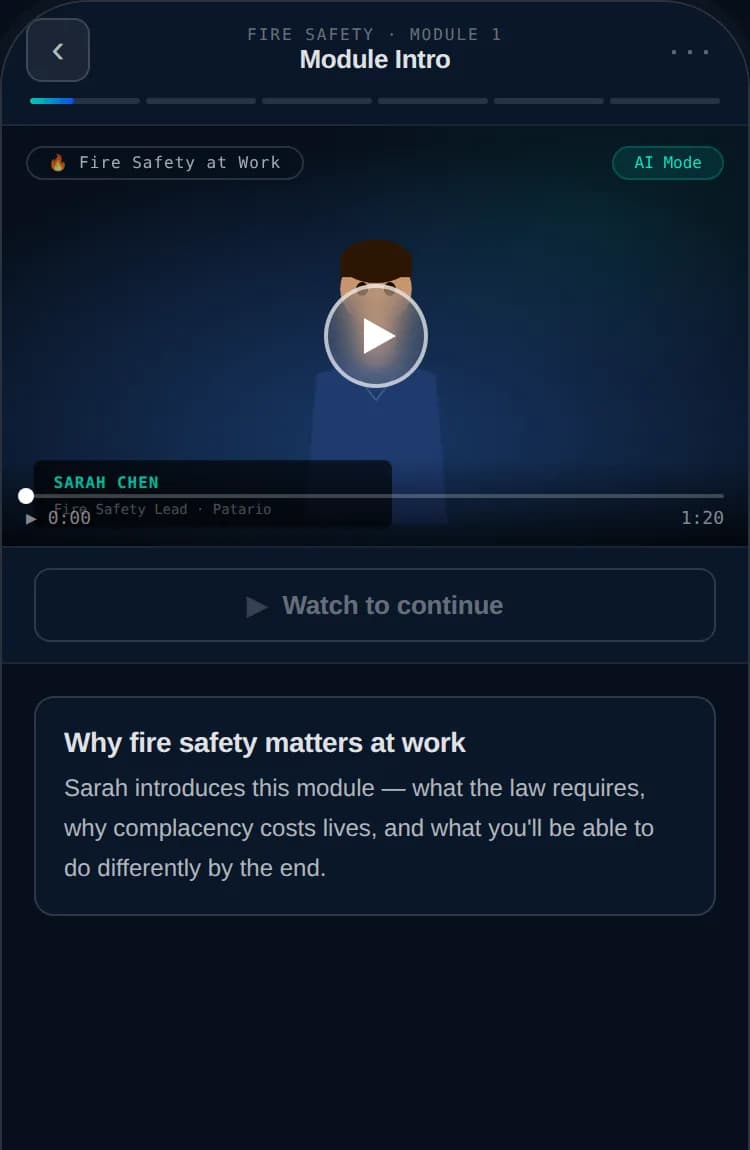
Every module opens with a short guide video. A presenter introduces the skill the module is about — what it actually is, why it matters, and above all what to look out for when you meet it at work. It’s the briefing before the exercise, not a lecture.
What is the scenario video?
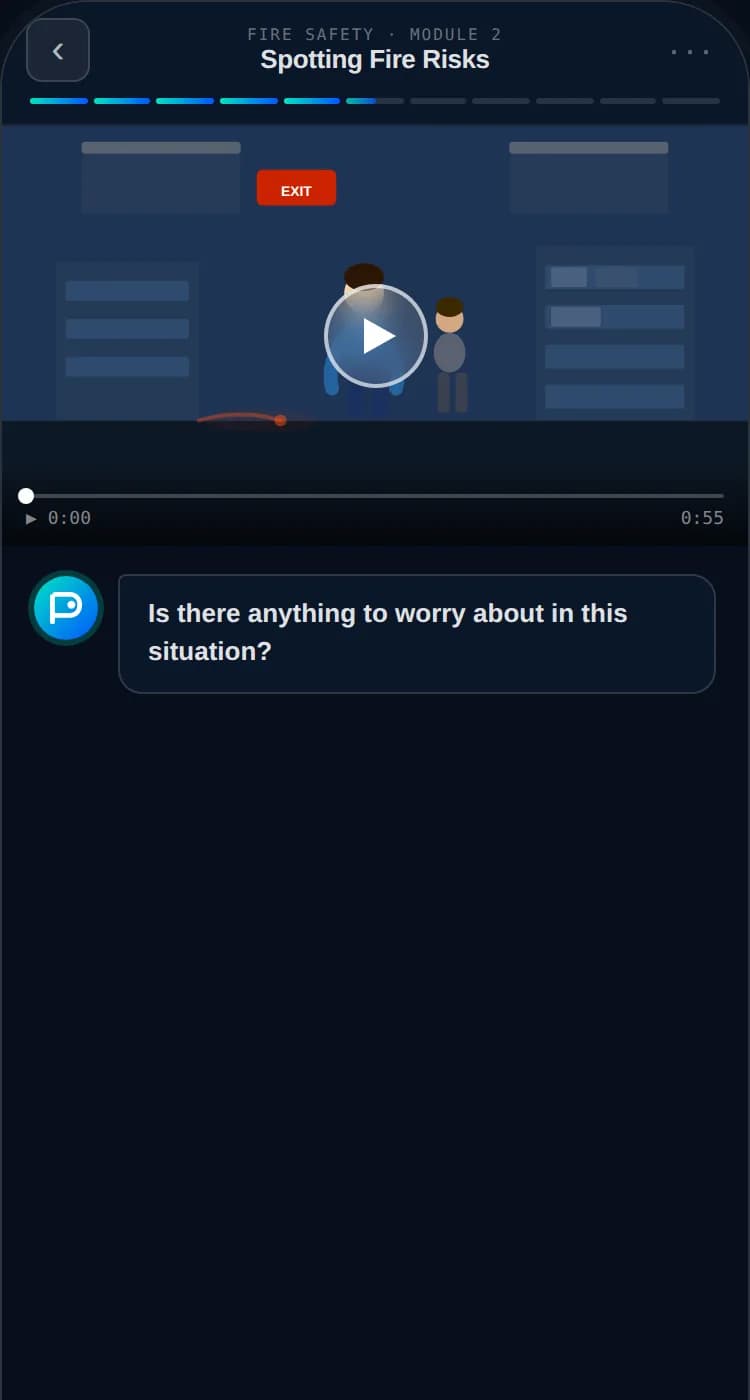
Next you’re shown a situation. Not a definition, not an extract from a policy — a workplace scene with something going on in it. Boxes stacked against a fire exit. A colleague pasting client data into a chatbot. Something you could walk past on a Tuesday.
This is what we mean by context-based learning. You meet the rule where it actually bites, in a setting you’d recognise, instead of reading it in the abstract and hoping it transfers when it matters.
Nothing is explained during the scenario. Your role is to spot the learning point playing out in the scenario and discuss it with the tutor.
What happens in the tutor conversation?
The tutor will ask you something about the scenario. It won’t hand you answers — it asks questions and follows your reasoning. Each scenario has one or more learning points. Your job is to spot them in action and explain your thinking.
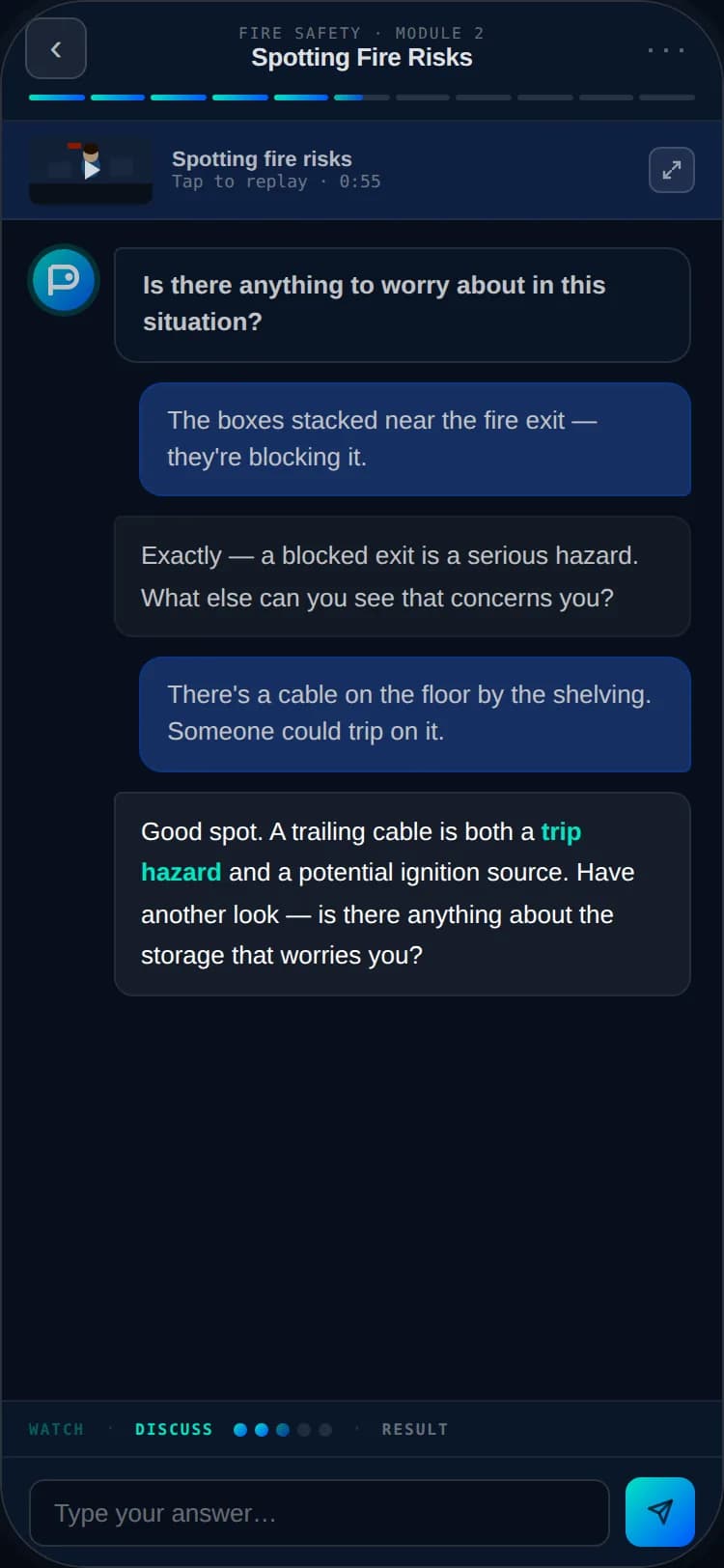
The conversation is the learning and the assessment. Think out loud, be wrong, change your mind — that’s the point, and it’s where most of the learning happens.
What if I don’t know the answer?
Nothing goes wrong if you don’t know. The tutor is built to get you there, not to catch you out.
- If your answer is close, it tells you what’s missing and asks again rather than marking it wrong.
- If you’re stuck, say so. It will come at the same question from a different angle.
- If you’re a long way off, it steps back to something simpler and builds up from there.
How am I scored?
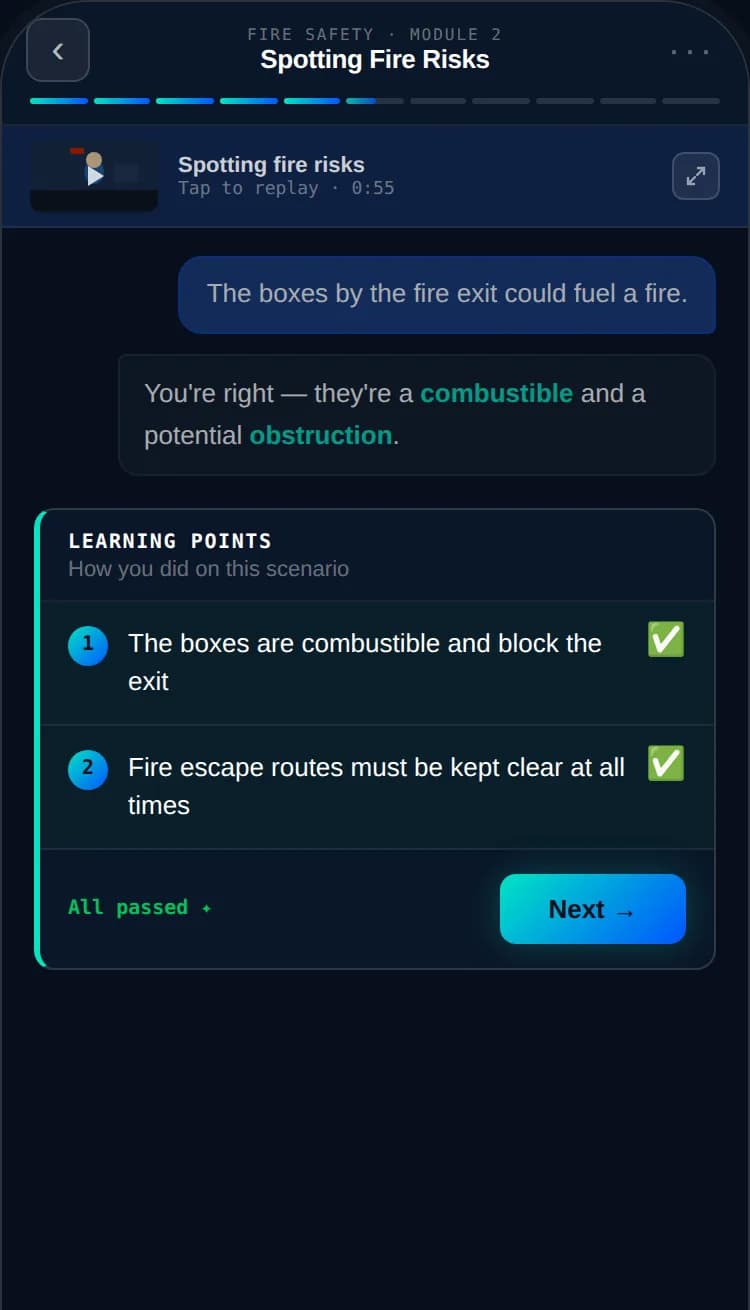
Each scenario is testing specific things — its learning points. As you demonstrate one in the conversation, it unlocks and is added to your record. You collect them as you go rather than sitting a test at the end.
What happens when I finish?
Pass every module in a course and your certificate is issued immediately. There’s no waiting for it to be approved.
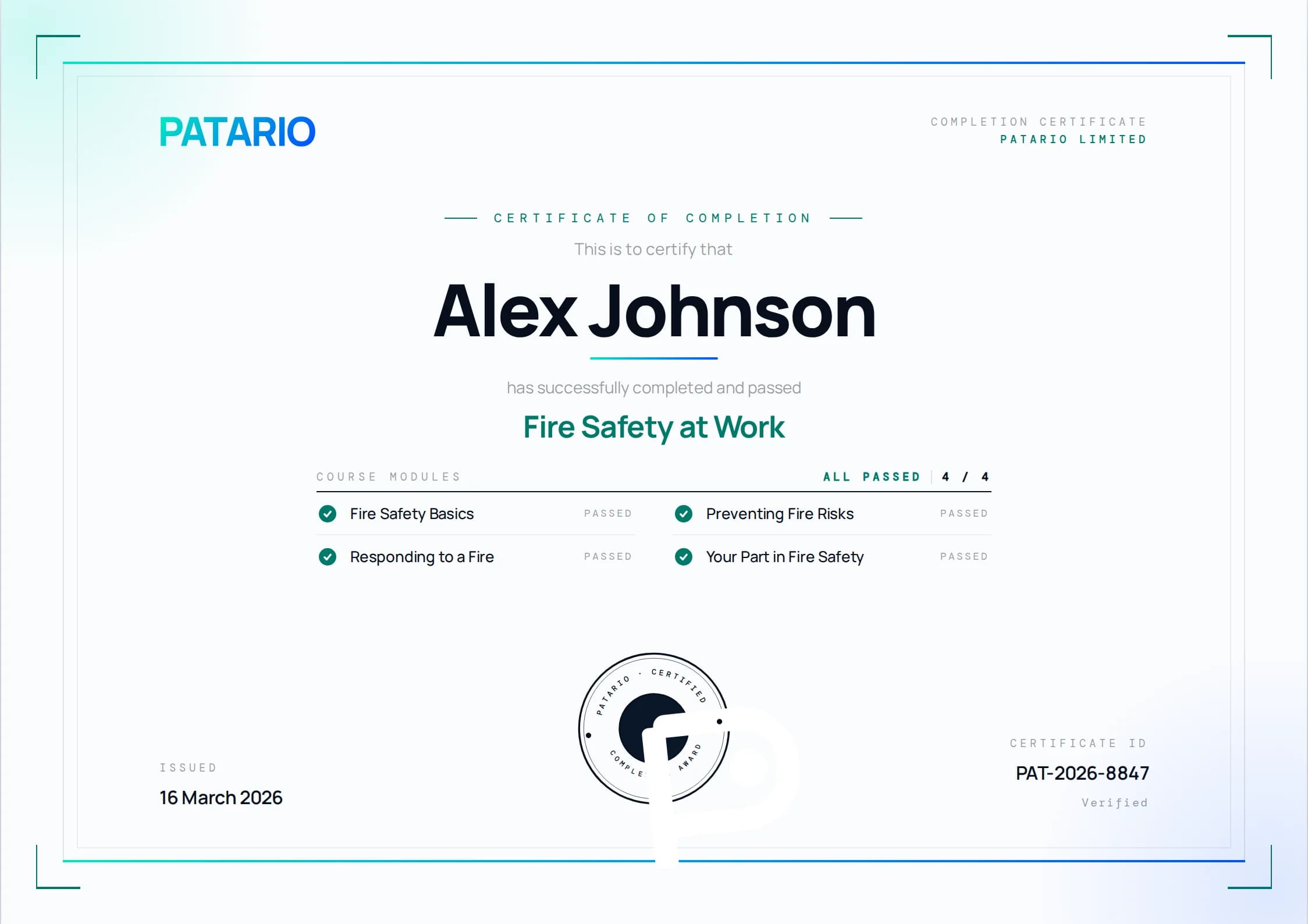
Whoever manages training where you work can see that you’ve completed the course, and whether each learning point was met or not met. They cannot see what you typed to the tutor.